













Como Prices in two currencies
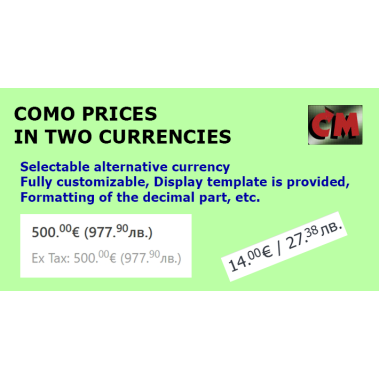
30.00€ (58.67лв.)
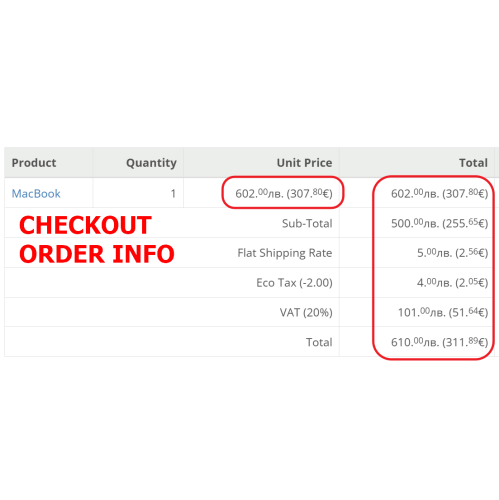
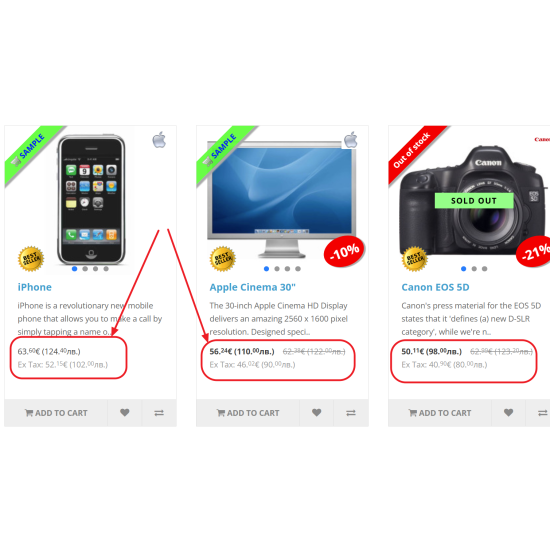
There are many cases in which it is necessary to display prices and amounts to customers in the front side of the site and in the administrative panel, in addition to the main currency of the store, as well as in an alternative currency.
One example is when another national currency is accepted, as is the case with the transition to the Euro in European Union countries. This happened most recently in Bulgaria, but many countries such as Romania, the Czech Republic and others will also go through this process.
In other cases, countries with exotic local currencies want to see prices in one of the world currencies such as the dollar, euro or yuan.
This module gives you the opportunity to achieve any desired goals in this direction with different settings.
One example is when another national currency is accepted, as is the case with the transition to the Euro in European Union countries. This happened most recently in Bulgaria, but many countries such as Romania, the Czech Republic and others will also go through this process.
In other cases, countries with exotic local currencies want to see prices in one of the world currencies such as the dollar, euro or yuan.
This module gives you the opportunity to achieve any desired goals in this direction with different settings.
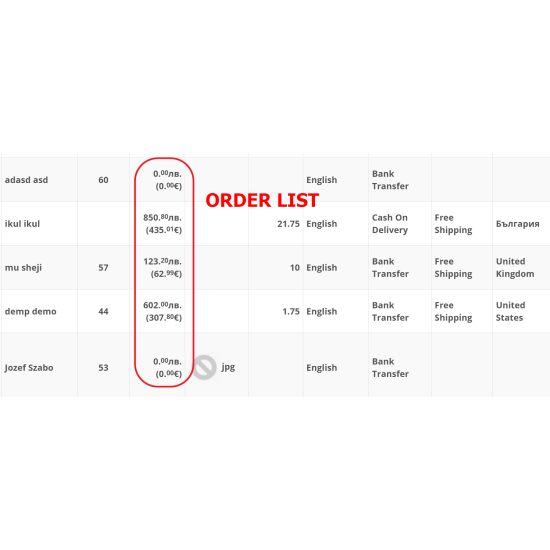
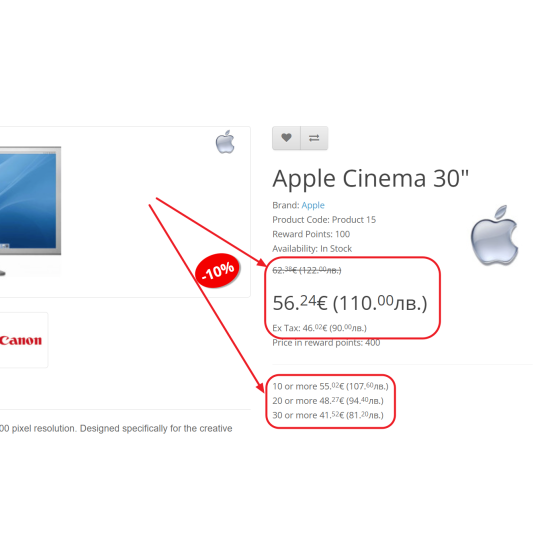
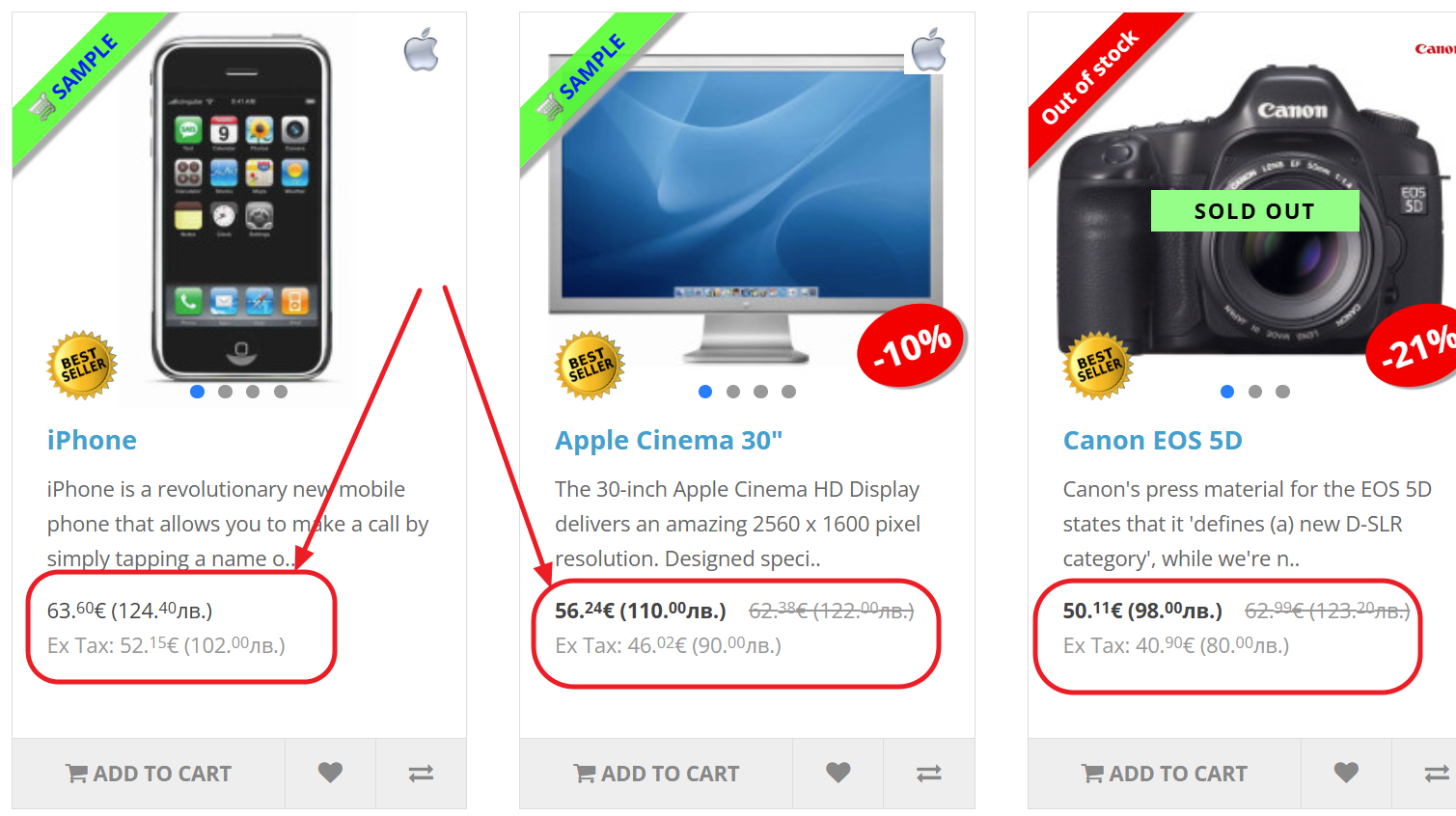
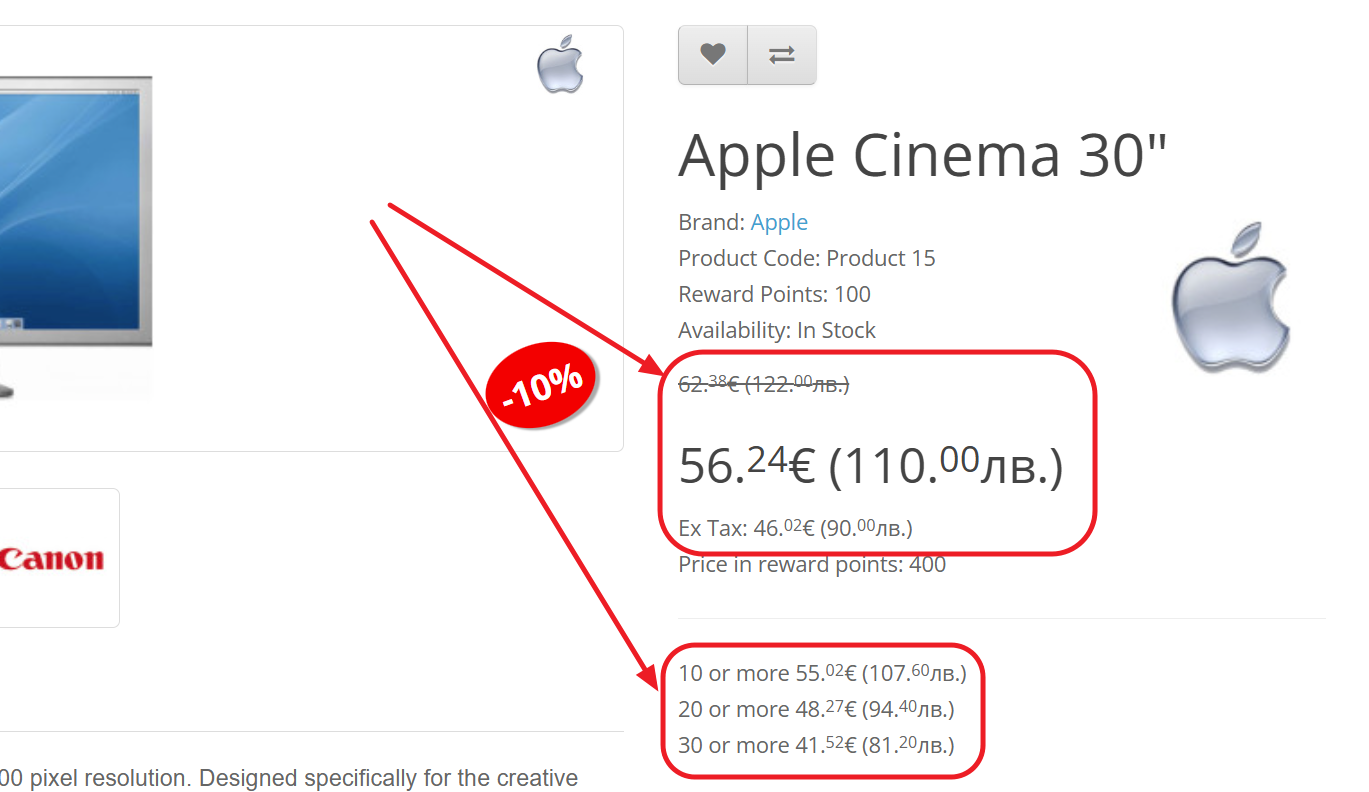
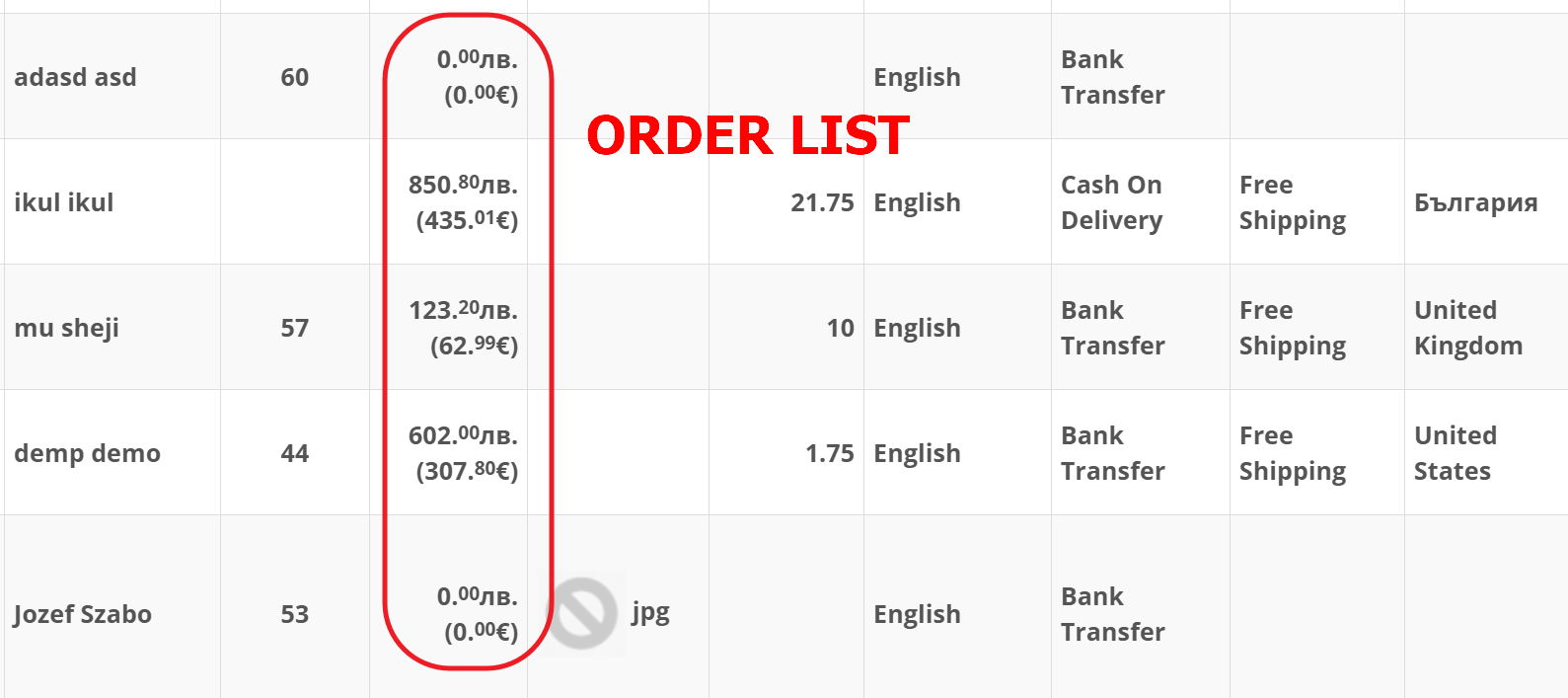
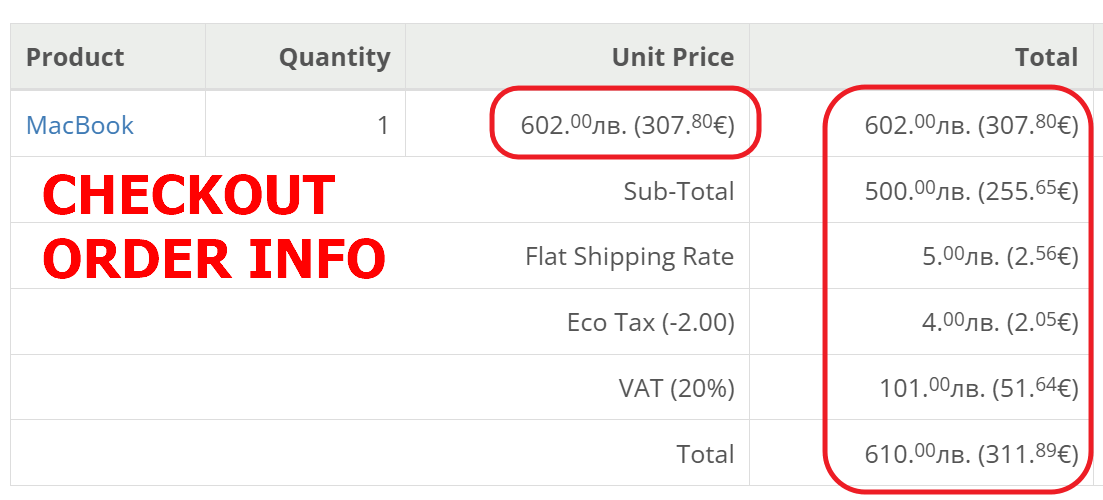
- Display prices in both currencies.
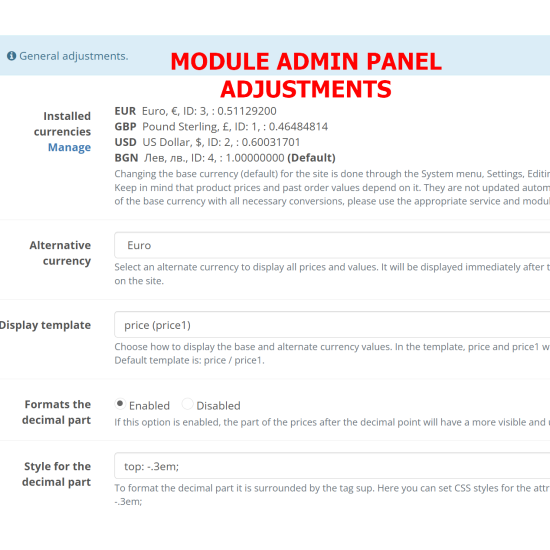
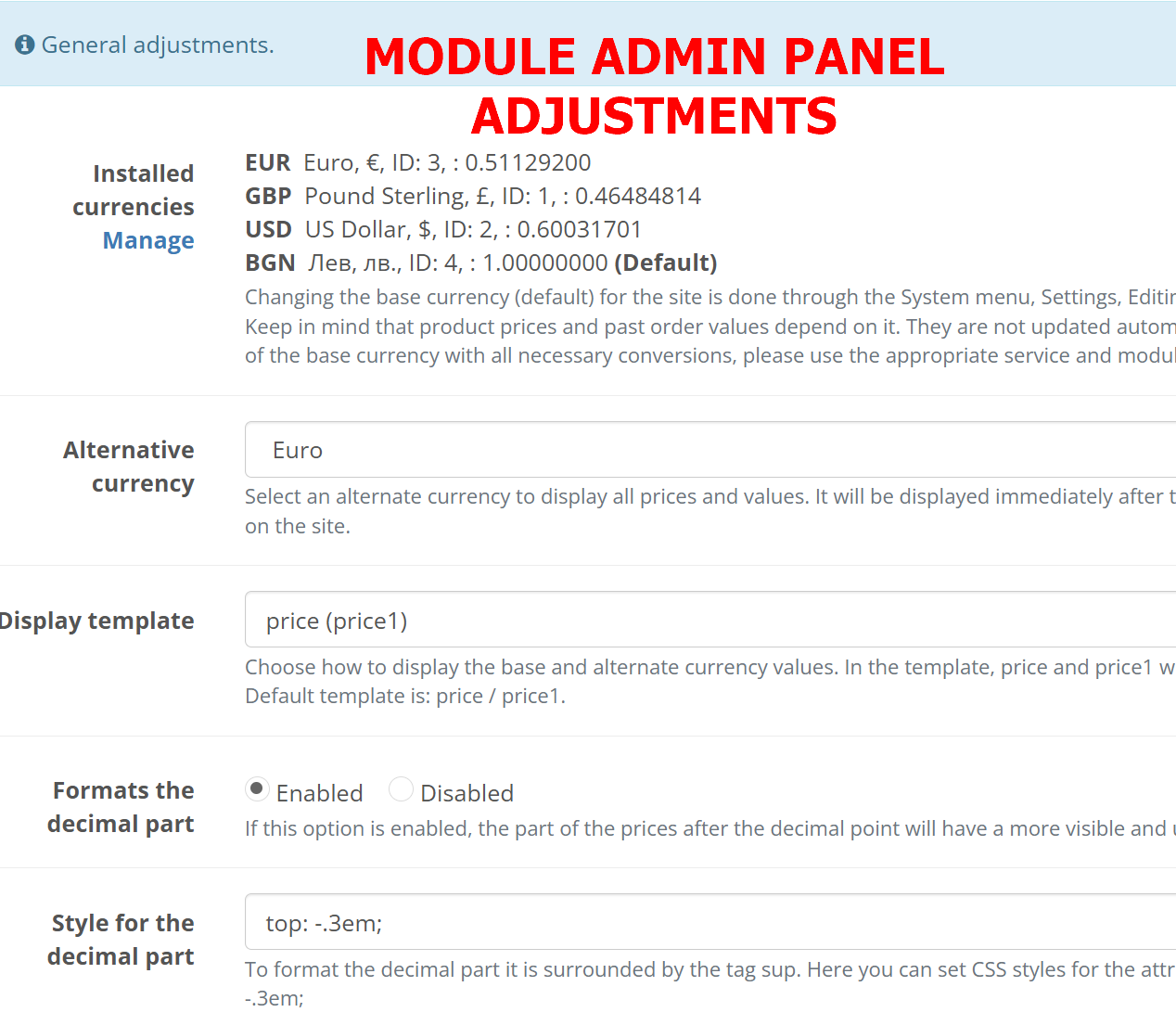
- The alternative currency is selectable, so the module works both with the base currency, and with the alternative currency.
- A display template is provided in the module settings, so you can freely choose whether it has a separator, brackets, etc.
- Formatting of the decimal part is also provided for better visualization.
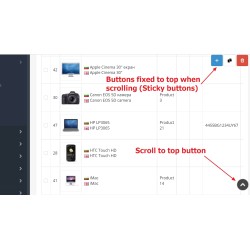
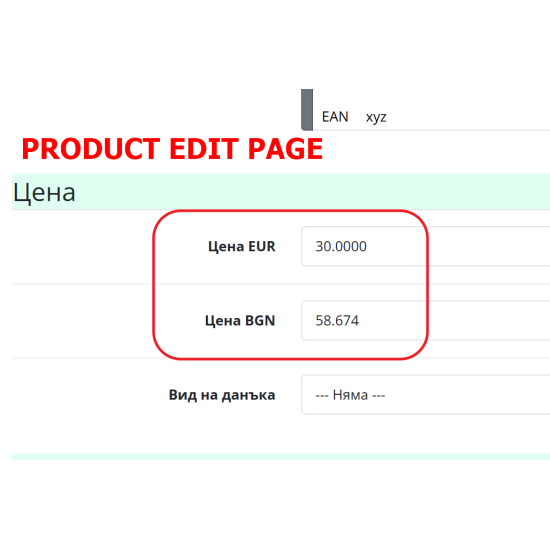
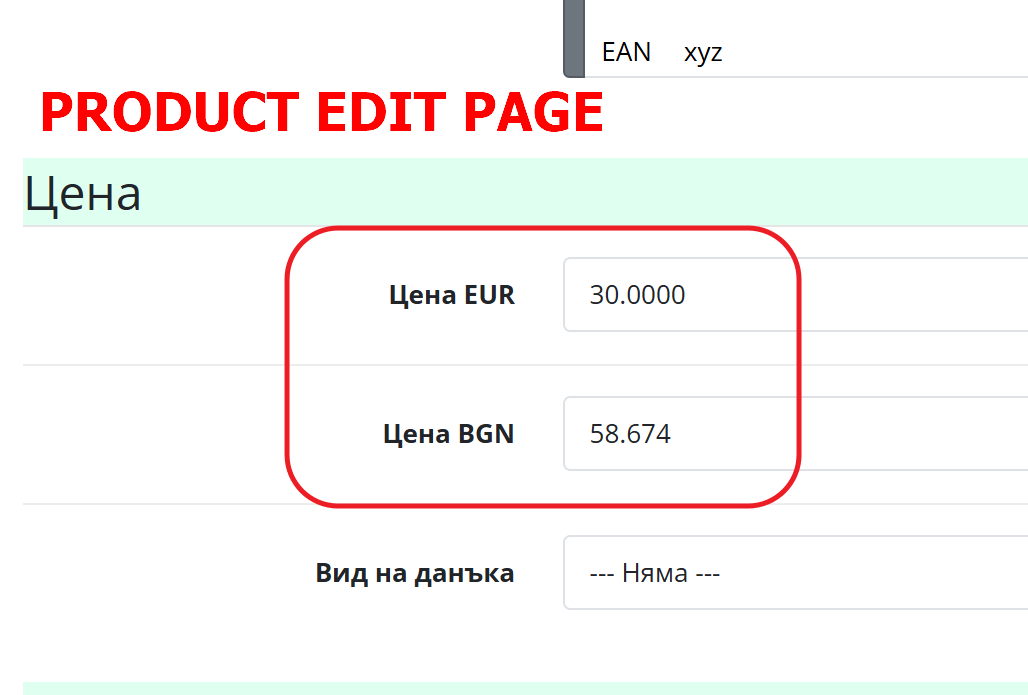
- When editing a product, the option to change the price in both the primary and alternative currencies is provided.
- Compatible with all themes that rely on Opencart's built-in currency formatting feature, including Journal 2 and 3.
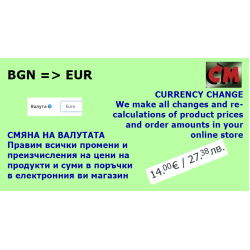
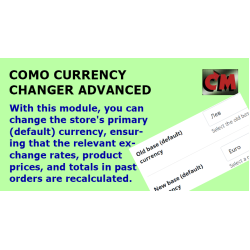
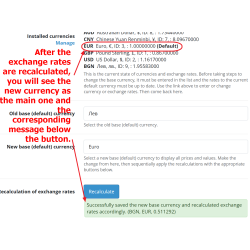
In addition to this module, in case you need to change in proper manner main (default) currency of the site, please see this module:
Como Currency changer advanced
Front page in Opencart 4
Front page in Opencart 3